
Resources · 45
Third-party scripts and tags: govern access, cost and removal
Connect each script to a purpose, owner, visible data and a tested shutdown path.
· 3 min
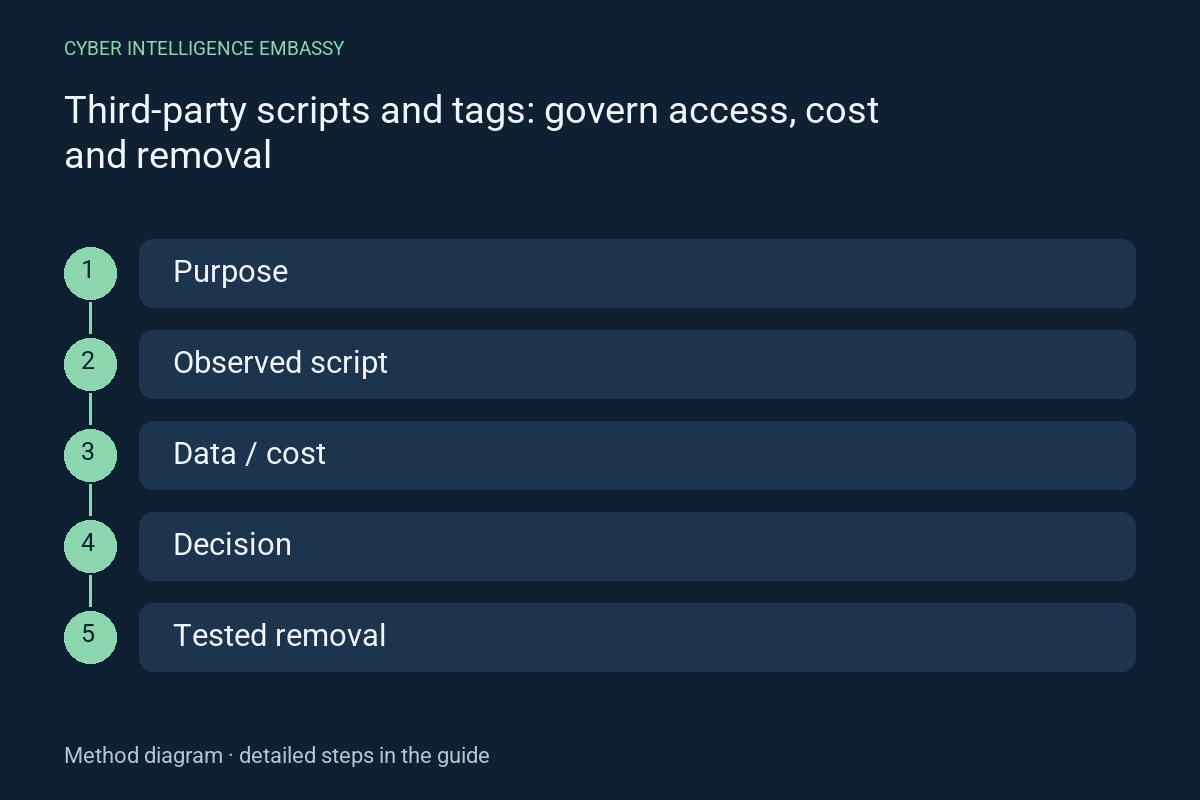
What this guide helps achieve
- Find indirectly loaded scripts
- Reduce unnecessary data and dependencies
- Measure cost by journey
- Remove a tag without breaking an essential action
Quick check
- Who approved each tag?
- What further scripts does it load?
- Which document data can it read?
- Does loading follow the user’s collection choices?
- Has removal been tested?
Step-by-step method
- 01
Observe actual loading
Check representative pages, mobile and desktop, signed-in and anonymous users, and different collection choices. Record initiator, domain, size, frequency, downstream calls and transmitted parameters. The tag-manager configuration does not always reveal the full chain.
Deliverable: request and dependency inventory.
- 02
Assign purpose and ownership
For each script, record function, provider, business owner, publishing access, affected pages and usefulness criterion. Remove tags without an active purpose after checking dependencies. Separate preparation and publishing permissions.
Deliverable: tag, purpose, owner and approval register.
- 03
Examine data exposure
Inspect URLs, parameters, form data, identifiers and accessible content. A script running in the page may have broader capabilities than its sales description implies. Define permitted fields, exclusions and loading conditions actually enforced.
Deliverable: observed data flows and fixes.
- 04
Test suitable protections
Consider local hosting when allowed, pinned versions, SRI for compatible resources and loading policies. An SRI hash checks expected bytes; it does not judge whether code is safe or cover secondary scripts. Changing resources need an update process.
Deliverable: protections, limitations and change procedure.
- 05
Measure cost and failure
Compare the same journey with and without the tag: requests, processor time, interaction and task completion. Simulate provider unavailability or slow responses. Avoid conclusions based on a single laboratory score.
Deliverable: documented comparison and journey budget.
- 06
Exercise removal
Disable in testing, check forms, cart, messages and measurement, then prepare rollback. Confirm that the script does not return through another container or plugin. Recheck after provider changes or a new campaign.
Deliverable: removal evidence and review plan.
Worked example
Illustrative situation
Illustrative situation: an old campaign still loads a script on the contact form.
Decision and expected evidence
The team finds no active objective, tests the form without the script and confirms its absence from requests.
Distinguish the mechanisms
| Mechanism | Purpose | Check or limitation |
|---|---|---|
| In-page script | Integrated functionality | Potential access to the document |
| Isolated iframe | Separated content depending on configuration | Check messaging and permissions |
| Server-side collection | Process some events outside the browser | Still requires data minimisation |
Management indicators
| Indicator | What it measures | First action |
|---|---|---|
| Justified tags | Tags with a purpose and owner | Review orphaned entries |
| Interaction cost | Tag-related time on an actual action | Restrict or move loading |
| Verified removals | Deletions confirmed in requests | Find indirect loading |
Common pitfalls
- Inventorying only the first script
- Confusing asynchronous with cost-free
- Publishing tags without review
- Assuming server-side collection excludes personal data
Frequently asked questions
Does SRI work on every tag?
No. It depends on resource type, browser, origin rules and content compatible with an expected hash.
Is a tag manager a security control?
It centralises publishing, but security depends on permissions, reviews, versions, accessible data and loaded scripts.
Which tag should be removed first?
One with no active purpose or whose cost and exposure exceed demonstrated value, after dependency testing.
Official references
Continue exploring









