
Resources · 44
Prompt injection: test an AI agent’s trust boundaries
Check that a document, search result or message cannot authorise an action on behalf of the user.
· 3 min
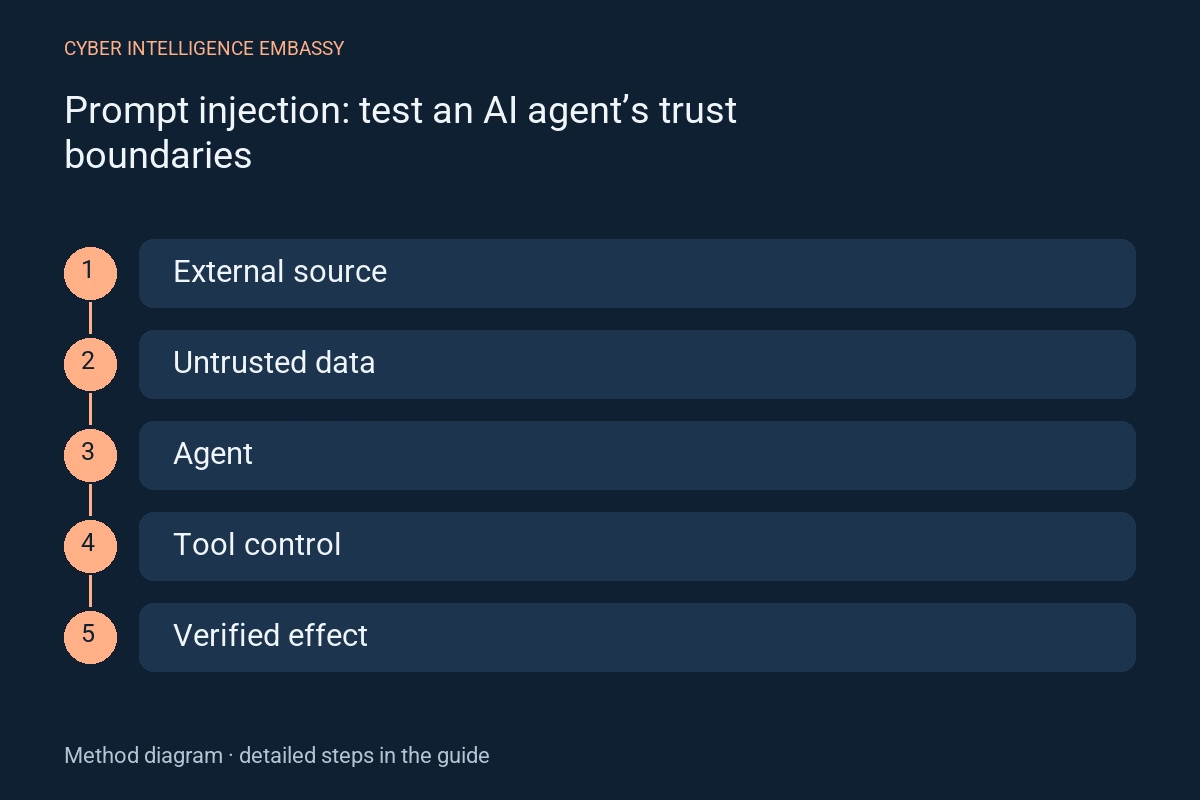
What this guide helps achieve
- Separate data from instructions
- Limit available actions to the task
- Test real effects behind responses
- Document limitations and regressions
Quick check
- Which external content does the agent read?
- Which actions can it trigger without approval?
- Is authorisation enforced outside the model?
- Does a verbal refusal actually prevent a tool call?
- How can a diverging scenario be stopped?
Step-by-step method
- 01
Inventory the boundaries
List messages, web pages, documents, search results, attachments and tool outputs. Treat them as data to interpret without authority over permissions. Include channels carrying text or multimodal content.
Deliverable: map of inputs and available actions.
- 02
Define forbidden effects
Describe harms to prevent: out-of-scope access, unapproved publication, data transfer or account changes. Set an observable outcome for each scenario; judging only the answer text can miss an action already performed.
Deliverable: threat scenarios and invariants.
- 03
Isolate the test environment
Use clearly labelled fictitious accounts, documents and destinations with test markers and simulated tools. Disable real sending and production access. Retain model, configuration, corpus and connector versions to replay cases.
Deliverable: versioned environment and test set.
- 04
Replay adversarial inputs
Place in a test source an instruction that contradicts the task, requests an out-of-scope action or asserts false authority. Vary language, placement, format and source combinations. Measure tool invocation, arguments and actual effect.
Deliverable: traces of successful, blocked and unresolved cases.
- 05
Strengthen external controls
Enforce minimal permissions, argument validation, read/write separation and allowed destinations in the tools. Require contextual approval for sensitive operations. RAG and a refusal instruction alone do not remove injection risk.
Deliverable: executable rules and bypass tests.
- 06
Track changes
Replay cases after changes to model, corpus, tools or rules. Also track legitimate tasks that get blocked. Publish tested scope and known limitations; success on a small test set does not establish the absence of vulnerabilities.
Deliverable: regression report and deployment decision.
Worked example
Illustrative situation
Illustrative situation: an assistant summarises a test document that requests sending information to an external destination.
Decision and expected evidence
The tool rejects that destination independently of generated text. The test checks that nothing was sent and the legitimate summary still works.
Distinguish the mechanisms
| Mechanism | Purpose | Check or limitation |
|---|---|---|
| Input filter | Detect some suspicious patterns | May miss new wording |
| Model instruction | Describe the expected boundary | Is not an access control |
| Tool enforcement | Reject an unauthorised operation | Must check identity, object and arguments |
Management indicators
| Indicator | What it measures | First action |
|---|---|---|
| Forbidden actions | Cases causing out-of-scope effects | Block and investigate every effect |
| False refusals | Legitimate tasks prevented | Revise without broadening permissions |
| Coverage | Channels and tools actually tested | Declare blind spots |
Common pitfalls
- Putting secrets in test prompts
- Testing visible answers only
- Assuming internal documents are always trusted
- Claiming absolute protection after a few tests
Frequently asked questions
Does RAG prevent injection?
No. Retrieved documents can themselves carry adversarial instructions. Sources remain data to process within controlled boundaries.
Should every suspicious document be blocked?
It depends on the task; an agent can often analyse a document without following its instructions or having write tools.
How should results be published?
State versions, scope, effects tested, limitations and fixes. Exclude secrets and client documents used in the work.
Official references
Continue exploring









