Resources · 66
Animation: verify reduced motion, pause and understanding
Inventory motion, offer reduced behaviour and test that progress, state and navigation remain understandable without animation.
· 3 min
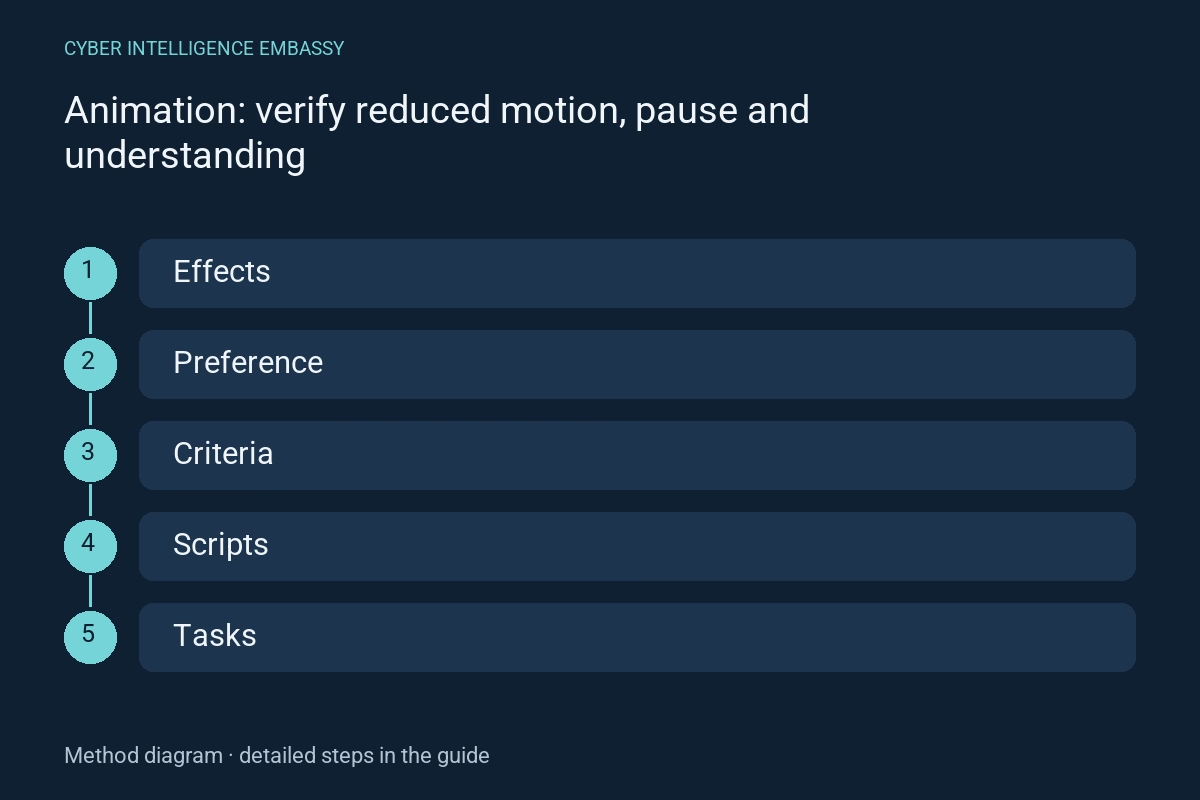
What this guide helps achieve
- Inventory triggers
- Define reduced behaviour
- Separate WCAG criteria
- Test all implementations
Quick check
- Does reduced motion prohibit all animation?
- Is criterion 2.3.3 level AA?
- Is a global CSS rule sufficient?
Step-by-step method
- 01
Inventory triggers
List automatic, interaction-triggered and scroll-linked motion. Separate state information from decoration. Inspect JavaScript animations, video and embedded elements too.
Deliverable: effects and purpose register.
- 02
Define reduced behaviour
prefers-reduced-motion signals a desire to reduce non-essential motion. Offer a static or quieter alternative while retaining information and controls. Avoid replacing large translations with another distracting effect.
Deliverable: reduced behaviour per component.
- 03
Separate WCAG criteria
Interaction-animation criterion 2.3.3 is level AAA. Level A criterion 2.2.2 covers, among other cases, certain automatic movements lasting more than five seconds alongside other content, unless essential. Check the applicable criterion’s conditions.
Deliverable: criteria and controls for each effect.
- 04
Test all implementations
Emulate preference before loading and during a session. Inspect styles, scripts and programmatic scrolling. If state depends on animation completion, ensure a reliable conclusion when animation is removed too.
Deliverable: cold-load, live-change and final-state trials.
- 05
Preserve information and controls
Exercise reading, keyboard and error feedback in both modes. For affected automatic motion, test pause, stop or hide and stability during reading. Document exceptions rather than labelling every animation essential.
Deliverable: evidence and limitations.
Reusable worksheet
Complete with your authorised observations. These fields are a working template, not observed results.
| Field | Information to record |
|---|---|
| Effect | Trigger, duration and information |
| Alternative | Reduced version and final state |
| Criterion | Level, conditions and control |
| Trial | Preference, keyboard, result and limit |
Worked example
Illustrative situation
Fictional example: a panel becomes active only after its transition completes.
Decision and expected evidence
Reduced-mode acceptance reveals the wait; the component completes its state change without depending on animation duration.
Distinguish the mechanisms
| Mechanism | Purpose | Check or limitation |
|---|---|---|
| Reduced-motion preference | Adapt to system choices | Check scripts too |
| Pause control | Control affected automatic motion | Make it keyboard-operable |
| Static state | Retain information without motion | Do not remove progress or error feedback |
Management indicators
| Indicator | What it measures | First action |
|---|---|---|
| Adapted effects | Motion with verified alternatives | Include embeds and scrolling |
| Preserved tasks | Journeys completed in reduced mode | Inspect animation-dependent states |
| Working controls | Pause or stop actually effective | Check resume and keyboard |
Common pitfalls
- Check scripts too
- Make it keyboard-operable
- Do not remove progress or error feedback
Frequently asked questions
Does reduced motion prohibit all animation?
No. It expresses a preference; choose a proportionate adaptation and retain necessary information.
Is criterion 2.3.3 level AA?
No, it is AAA. Other criteria may apply to automatic motion or flashing.
Is a global CSS rule sufficient?
It can reduce many effects but may not control scripts, videos or integrations. Test actual components.
Official references
References consulted on 2 October 2026. The method and worksheet propose checks to adapt to your context; they do not constitute certification.
Continue exploring