Resources · 57
Dialogs and keyboards: test the focus journey
Check opening, movement, closing and context restoration in interfaces that interrupt a task.
· 3 min
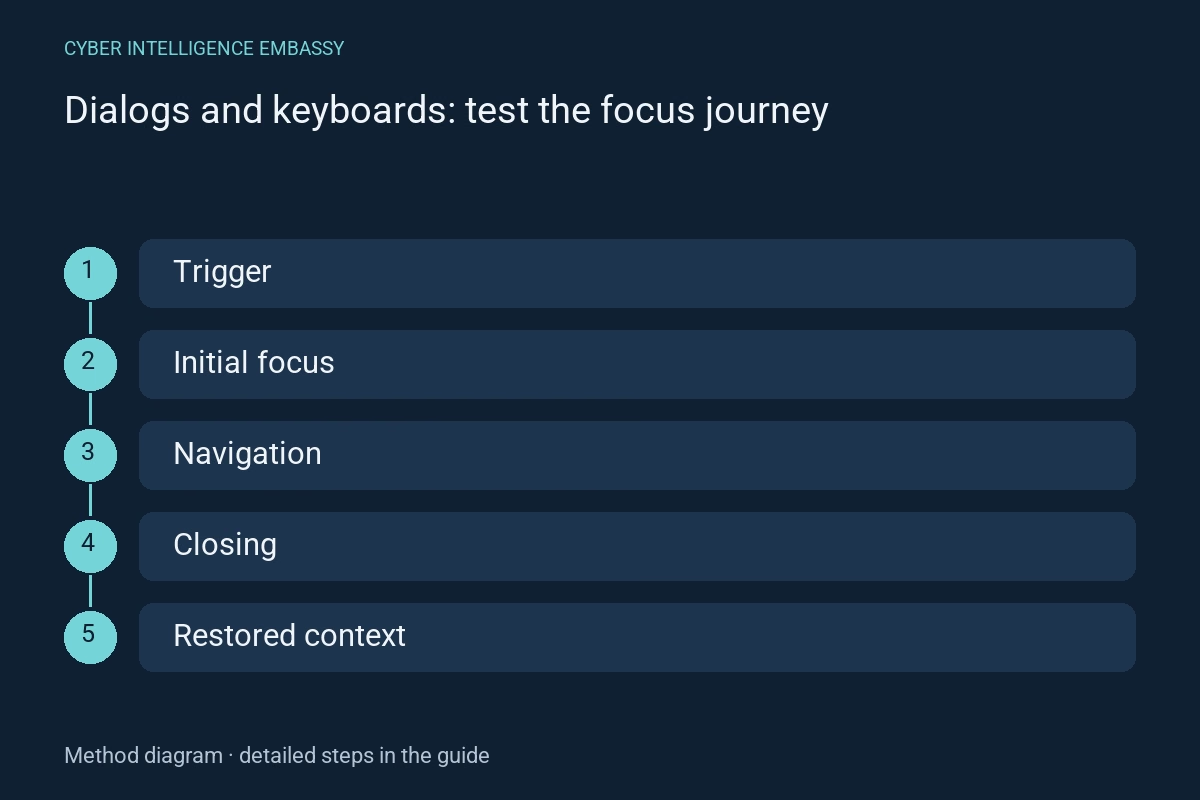
What this guide helps achieve
- Choose the right component
- Place understandable focus
- Allow closing
- Restore context
Quick check
- Is a modal necessary?
- Where does opening focus land?
- Is the background actually inert?
- Can the dialog close by keyboard?
- Where does focus return if the trigger disappears?
Step-by-step method
- 01
Choose the interruption
Decide whether information needs a modal or can remain in the page. Separate modal dialogs, panels and menus. Prefer appropriate native elements and check behaviour; an ARIA role does not create interactions automatically.
Deliverable: component choice and rationale.
- 02
Name and open
Connect an accessible name to a visible heading. Place focus appropriately: at the start of structured content, a useful field or a safe action depending on the task. Opening should not scroll the beginning out of view.
Deliverable: tested opening.
- 03
Navigate by keyboard
Under W3C’s modal-dialog pattern, Tab and Shift+Tab remain inside and outside content is inert. Verify visible focus, logical order and no traps in nested controls.
Deliverable: forward and reverse navigation.
- 04
Close and restore
Provide visible closing and expected Escape behaviour. Return focus to the trigger or a logical step if the trigger no longer exists. After submission, users should find what changed and what can happen next.
Deliverable: restored focus and context.
- 05
Test errors and space
Include long messages, invalid fields, mobile keyboards and zoom. Scrolling must not permanently hide actions or headings. Errors should be understandable and reachable without losing entered values.
Deliverable: narrow-screen edge cases.
- 06
Check in the page
Test the integrated component with keyboard and assistive technology, not only in an isolated demo. Check duplicate opening and focus after repeated closing. Local acceptance alone does not establish WCAG certification.
Deliverable: acceptance record and known limits.
Reusable worksheet
Complete with your authorised observations. These fields are a working template, not observed results.
| Field | Information to record |
|---|---|
| Opening | Trigger, heading and initial focus |
| Journey | Tab, Shift+Tab, inert background and visible focus |
| Closing | Escape, button and logical return |
| Limits | Tested zoom, long content, errors and assistance |
Worked example
Illustrative situation
Fictional example: a dialog confirms row deletion and its opening button disappears.
Decision and expected evidence
After confirmation, focus returns to a logical next element or the list heading, with an announced result and a visible next step.
Distinguish the mechanisms
| Mechanism | Purpose | Check or limitation |
|---|---|---|
| Modal dialog | Interrupt for a bounded task | Inert background and contained focus |
| Nonmodal panel | Keep context available | Coherent focus movement |
| Page section | Present continuing information | Often easier to consult |
Management indicators
| Indicator | What it measures | First action |
|---|---|---|
| Completed keyboard journeys | Tasks performed without a pointer | Fix blockers |
| Correct focus returns | Closures restoring useful context | Handle missing triggers |
| Tested edge states | Zoom, errors and long content | Document omissions |
Common pitfalls
- Adding aria-modal without inert content
- Losing focus after closure
- Blocking Escape without a clear exit
- Testing only mouse opening
Frequently asked questions
Is a native dialog enough?
It provides useful behaviour, but naming, initial focus, content, errors and integration still require testing.
Should the first button receive focus?
Not always. The appropriate point depends on content and task, especially for irreversible decisions.
Can automation validate the journey?
It detects some defects, but comprehension, useful order and restored context need manual acceptance.
Official references
References consulted on 2 October 2026. The method and worksheet propose checks to adapt to your context; they do not constitute certification.
Continue exploring
Related analysis